Record the meeting.
Keep the minutes.
Minuta transcribes on your iPhone, iPad or Mac and writes the minutes the moment you stop. Nothing leaves the room.

It listens on the device
The transcript appears while people are still talking, written by the speech model already on your iPhone, iPad or Mac. It keeps working with no network at all, and it follows the language the device is set to.
Sample meeting
- Okay, let's start with where we are on the Q3 roadmap.
- The new flow cuts sign-up from six screens to three.
- Luca, can you own the analytics events by Friday?
Minutes, the moment you stop
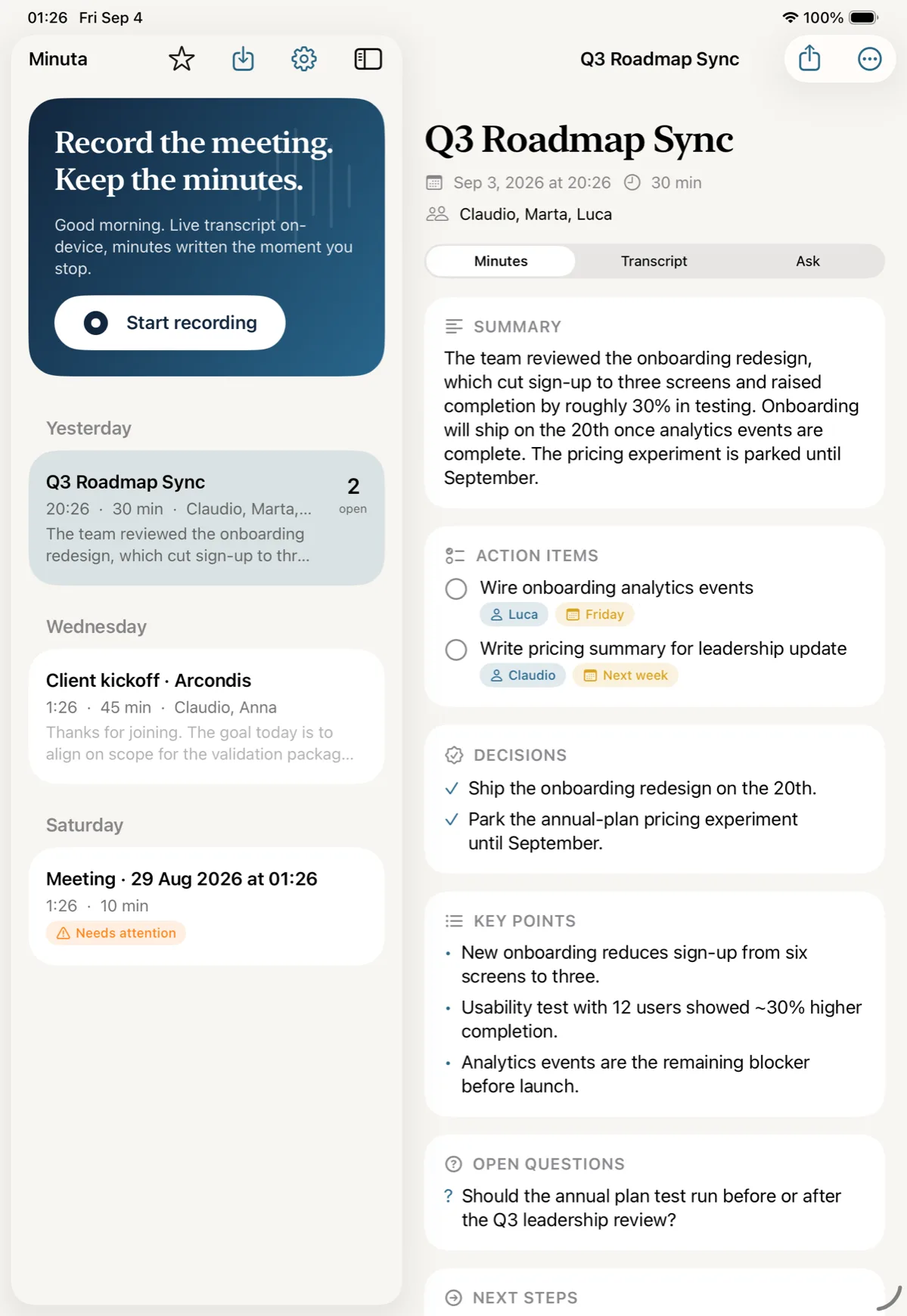
Stop the recording and the minutes are already written: a summary, the decisions that were made, and the action items with an owner and a due date on each.
Sample minutes
The team reviewed the onboarding redesign, which cut sign-up to three screens and raised completion by roughly 30% in testing.
Decisions
- Ship the onboarding redesign on the 20th.
- Park the annual-plan pricing experiment until September.
Action items
- Wire the onboarding analytics events LucaFriday
- Write the pricing summary for the leadership update ClaudioNext week
Nothing leaves the room
- Speech is recognised on the device, by the device.
- The minutes are written on the device by Apple Intelligence.
- If you choose Claude or OpenAI instead, you use your own key, and the app says so at that moment.
No account, no Minuta server.
Where the minutes go
Each app is connected through its own official sign-in, and nothing is sent until you ask for it.


Plus Apple Reminders, PDF and text export.
Made for the people who own the minutes
- iPhone, iPad and Mac from one purchase.
- Starts from the Action button, Siri or Shortcuts.
- Records in the background and survives calls.
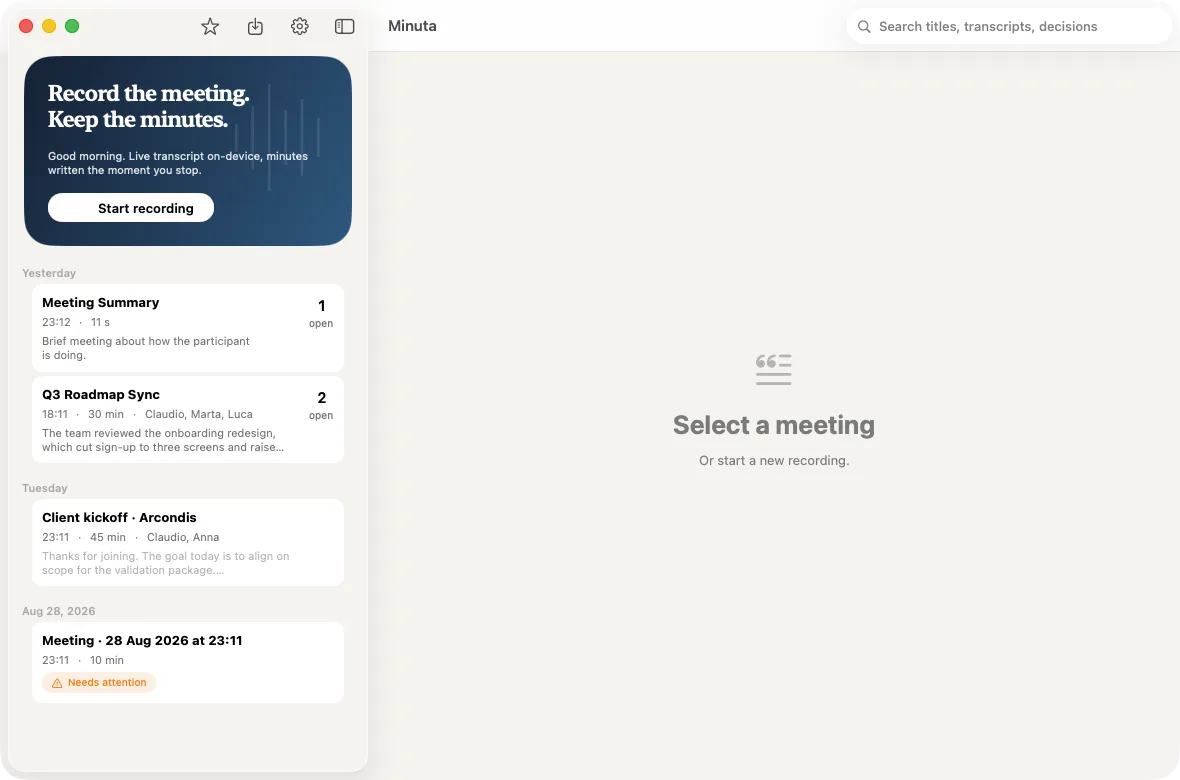
- Search across every transcript and decision.
Minuta Pro
- Monthly USD 4.99 per month, after 7 days free
- Yearly USD 39.99 per year
- Lifetime USD 99.99 once
Prices in US dollars; the App Store shows local prices.